




Happyjokers App
Happyjokers app is our mobile-friendly way to play on Android and iOS with the same account you use on desktop. You get the full lobby, cashier, promotions, and support in a format built for touchscreens.
We built this mobile version to feel simple. You can search a title, open a category, and continue your session without constant page jumps. If you like to switch styles during one break, you can move from slots to Live Casino, then back to your favorites in seconds.



What the Happyjokers App Is
The app runs in your browser and keeps the platform lightweight. Happyjokers application uses this approach, so you do not depend on a heavy store download or long update cycles. When we improve the website, you see changes right away the next time you open it.
This format also helps you keep control of privacy settings on your phone. Your device manages permissions, and your browser can store passwords in a secure manager. If your phone supports Face ID or fingerprint login, you can use it through your browser tools.
Home-Screen Shortcut and App-Style View
You can save a shortcut to your home screen and open the platform with one tap. Many devices treat this as a PWA (Progressive Web App), so the window looks more like an app and shows fewer browser elements. This shortcut can place the Happyjokers app on your screen as a direct entry point.
This option is useful when you play in short sessions:
- Start faster without typing the address again
- Return to the last section you used with fewer taps
- Keep more screen space for the game window
Recommended Browsers and Devices
We test the mobile experience on common setups. If something feels slow, a browser update often fixes it.
| Device | Browser that usually works best | Simple tip |
| Android phones | Chrome or Edge | Allow pop-ups for payment confirmations |
| iPhone / iPad | Safari | Use Safari for the cleanest home screen shortcut |
| Windows / macOS | Chrome, Edge, Firefox, Safari | Keep the browser updated for stable game loading |
What You Can Do Inside the App
The Happyjokers app keeps the same structure you see on desktop, just scaled for a smaller screen. You can open game categories, check promotions, and manage account tools without leaving the main flow. The Happyjokers application also keeps key sections in familiar places, so switching devices does not feel like starting over.
Players usually use the mobile view for these actions:
- Browse 6,000+ games from 70+ providers with search, filters, and favourites
- Play slots, roulette, blackjack, baccarat, and Live Casino game shows
- Join missions, tournaments, or prize drops when an activity is active
- Deposit and request withdrawals from the cashier with clear on-screen limits
- Reach support through live chat when you need help during a session
Key Benefits
We built the Happy Jokers application for practical use. We focus on speed, clarity, and easy taps. The goal is simple: you should spend less time navigating and more time playing.
| Mobile benefit | What it means in daily use | Good for |
| Touch-first layout | Buttons stay large and menus stay compact | Accurate taps on a small screen |
| Fast discovery | Search and provider filters stay easy to reach | Finding a game by name or studio |
| One-account sync | Your balance, favorites, and history stay linked | Switching between phone and desktop |
| One cashier area | Deposit, withdrawal, and history sit in one place | Quick account actions without extra tabs |
| Flexible view | The screen adapts to portrait or landscape | Phones, tablets, and bigger displays |
Happy Jokers App on iOS
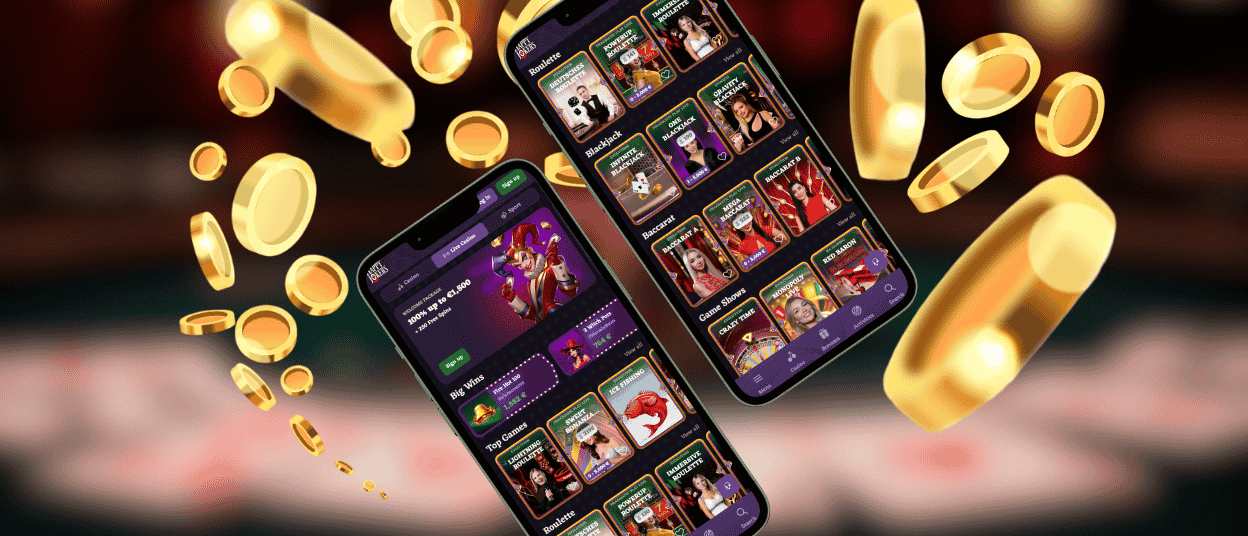
The Happy Jokers app works well on iPhone and iPad in Safari and other modern iOS browsers. We keep the lobby readable, and we keep key buttons close to your thumb so you can move between sections with fewer taps. On iPad, the wider screen helps when you browse more game tiles or watch a Live Casino stream.
The Happy Jokers application on iOS uses the same account as the desktop. That means your balance, favorites, and promo status stay together in one place. If you stop a session, you can come back later and continue from the same profile.
Happyjokers App on Android
The Happyjokers app runs smoothly on Android in Chrome and other up-to-date browsers. We keep the interface responsive, even when you scroll through long rows of titles. Search stays available from the header, so you can jump to a game in a few seconds.
The Happyjokers application on Android also supports quick switching between sections. You can open a slot, check a tournament card, and return to the lobby without losing context. If you rotate the screen, the layout adjusts to fit the device. You do not need a Happyjokers APK for normal access, so avoid third‑party APK files and use only the official web version.
Using the App on Desktop and Tablets
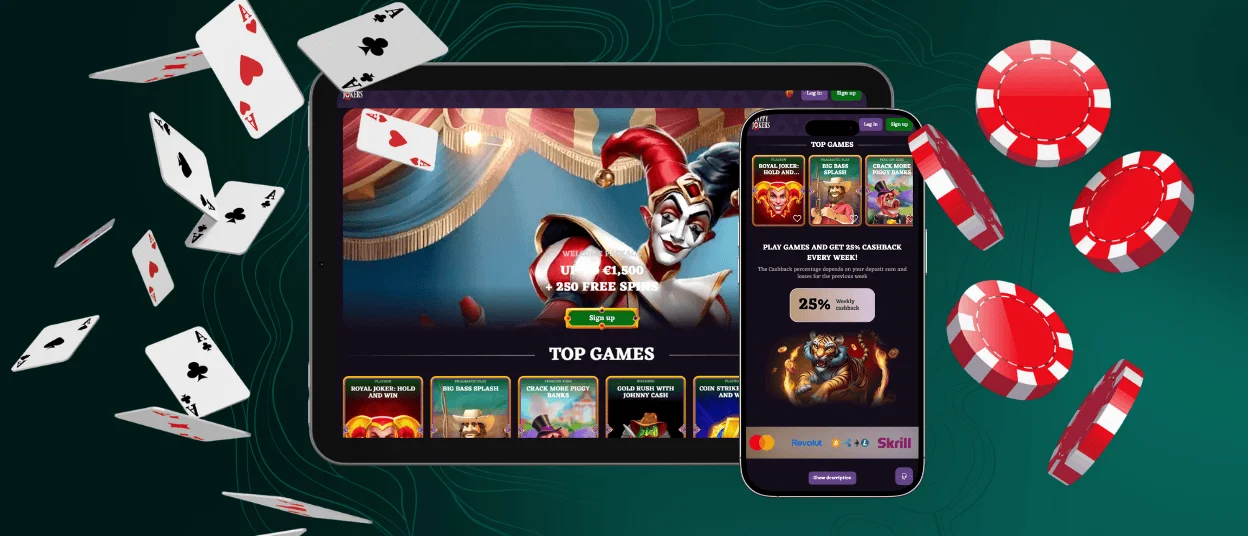
You can also open the platform on Windows and macOS in a modern browser. Some players prefer a larger screen for browsing providers or reading promo terms. Others use a tablet for Live Casino because the stream feels clearer on a bigger display.
The Happyjokers app keeps your session connected across devices. You can browse on mobile, save favorites, and then return later on desktop without starting over.
Tips for Stable Play
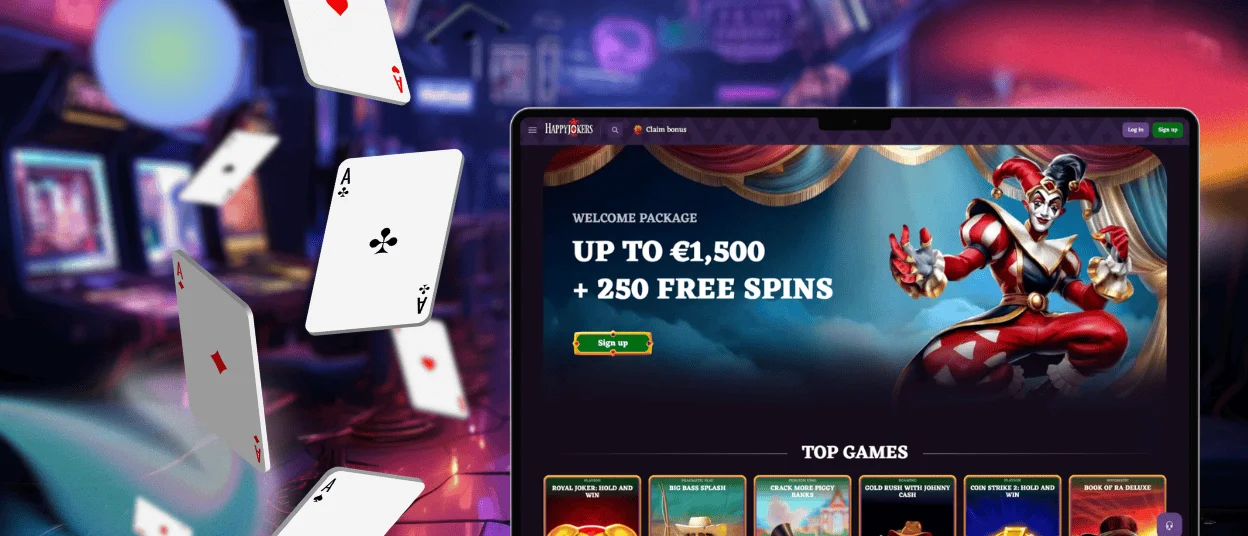
The Happyjokers application works best when your browser is up to date. Close extra tabs if you notice slow loading, especially during live streams. A strict ad blocker or VPN can also affect redirects for some games or cashier steps, so disable them for the session when needed.
If you need help, contact support and share the game name, the time of the issue, and your device type. We use this info to check what happened and guide you to the next step.
FAQ
Do I need a separate account for the Happyjokers application?
No. You use one profile on mobile and desktop, so your balance and history stay linked. If you forget your password, use the recovery option on the sign-in screen or contact support to confirm the next step.
Can I play the same games on iOS and Android?
The catalog adapts to your device, but the main game library stays available on both systems. Some titles can still vary by region rules or provider limits, so the exact list may look slightly different from one country to another.
Is the Happy Jokers app a real download from the App Store or Google Play?
No. It works in a browser-based format, so you do not rely on a classic store install. This also means you always open the current version when you return, without waiting for store updates.
Does the app support deposits and withdrawals, or only gameplay?
You can manage account actions as well as gameplay. The cashier is available on mobile for deposits, withdrawal requests, and transaction history. The exact payment options can depend on your region and currency, and the cashier shows what is available before you confirm.
What should I do if the cashier page does not load correctly?
Reload the page. If it still does not open, change your connection and try again. Use Wi-Fi, then mobile data, or vice versa. Open the site in another browser, such as Safari on iOS or Chrome on Android. Allow pop-ups for payment confirmation pages. If the problem persists, contact support and attach a screenshot.


